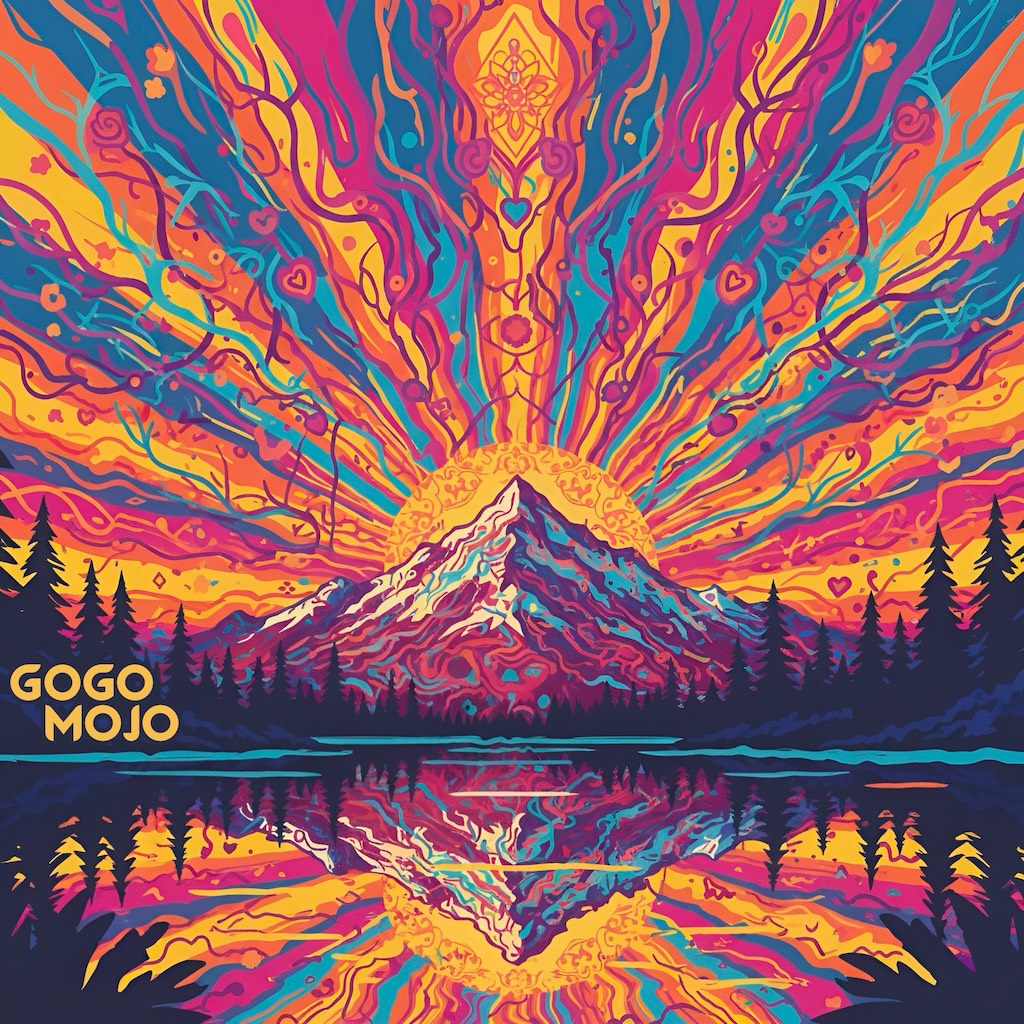
I visited my brother in Nashville with the intention of producing music together. It came out in an unexpected direction: Tropical House Dance Mantras. We're releasing them under the name GoGo Mojo and I am super proud of it. Please have a listen and follow the journey!
Posted by dustin on November 26, 2025. Tagged with music
2023 was a year alright! Highs and lows and producing fun fun fun art. Here's a music video we made that I didn't post here. Please have a watch (and like and share)!
Song written by Natalie Wiarda (featured in the video) and produced by myself Dustin Quasar.
This video shoot day was so much fun! Hoping for more musical collaboration shenanigans in 2024. I'm also curious how this old blog works these days. If you see this, please mail me some blueberry pancakes ;)
Riding e-bikes with a fellow dad, our kids on the back wanted us to go FASTER! It was a friendly race. They started chanting "Go Daddy Go, Go Daddy Go, ..." to egg us on, with the endless repetition spirit of youth. The bike adventure days continued to happen (to the north shore, to kits beach, to downtown! e-bikes are amazing), and the song chant continued to return to delight us all.
So we shaped it into a proper kids song, with some vocal support from enchantress Nat Wiarda, and it's finally available on all the music platforms today. Please share with your dad, family and friends if you like it 🙏
Last year I took a great workshop on self-love. With all the influences and distractions of modern life, it can be difficult to focus on ourselves. That said, we always have the power to return to our centers, take a breath, and give ourselves the love we need.
I was very touched by the workshop, and have made good use of the practice. Last year I made "I ❤️ Me" stickers and gave them out at a few festivals.
This year I wrote a kids song with the same message, and it's now out on Spotify (and the other music platforms very shortly). I hope you like it. If so, please heart it, and share with a kid you love :)
It's been a looooong time since there were any new posts on this website. I'm kicking the tires here I guess to see if it still works (haha, there were a bunch of bugs I had to fix to get this post out).
Lux DLX is a fast-paced world domination game, with over 100 hand-crafted maps, challenging computer AIs, and lots of options.
Android Lux comes with a set of great maps for free. The Classic World map plus Europe, USA, the UK, and an extra bonus map are all included! Get over one hundred more maps using the in-app purchase unlock. We hope you like it!
I haven't posted a blog here in quite some time. As the internet marched forward, most of my online activities have spread out to other sites.
I mostly share links and thoughts via Facebook these days. You can follow me there. I post many things as public, in addition to the new friends-only posts I make.
FB has also become the place where I post most of my photos. However, I still maintain a flickr account where I post more artsy photos.
I just transitioned the server this website is being hosted on to a new one. So I thought I would throw this post up here as a marker for that. Hope you're well :)
As everyone knows, the Stanley Cup is awarded on the basis of a failed charitable purpose trust and is in all likelihood legally owned by some British guy descended from Lord Stanley of Preston who doesn't realize it.
Putting aside the fascinating topic of nineteenth century trust law, I just wanted to point out that Brent Rathgerber, a Member of Parliament from Edmonton, described the Stanley Cup as the "trophy du jour of the NHL", because he is a dumbass and doesn't know that there's a difference between "du jour", a French expression meaning "of the day", and "de jure", a Latin expression meaning "in law". Or he thinks he is ordering the soup in law at nice restaurants.
His legal analysis is ridiculous: so the "Canadian people" automatically own anything that has ever belonged to a governor general? Then I would like Adrienne Clarkson's porcelain doll collection, please. If the Stanley Cup trust has failed, then the trust property reverts to Lord Stanley, his heirs and successors.
He also asks "what could be more Canadian" than letting a bunch of drunken beer leaguers play for one of the world's most prestigious sports trophies? If he thinks horrible ideas are typically Canadian, then really he should be running for the Bloc quebecois.
It's horrifying to think that someone who understands so little about the most important things in life, hockey and trust law, has been elected to public office (Although it was an Alberta election -- let's see how he does when they switch to multiparty democracy).